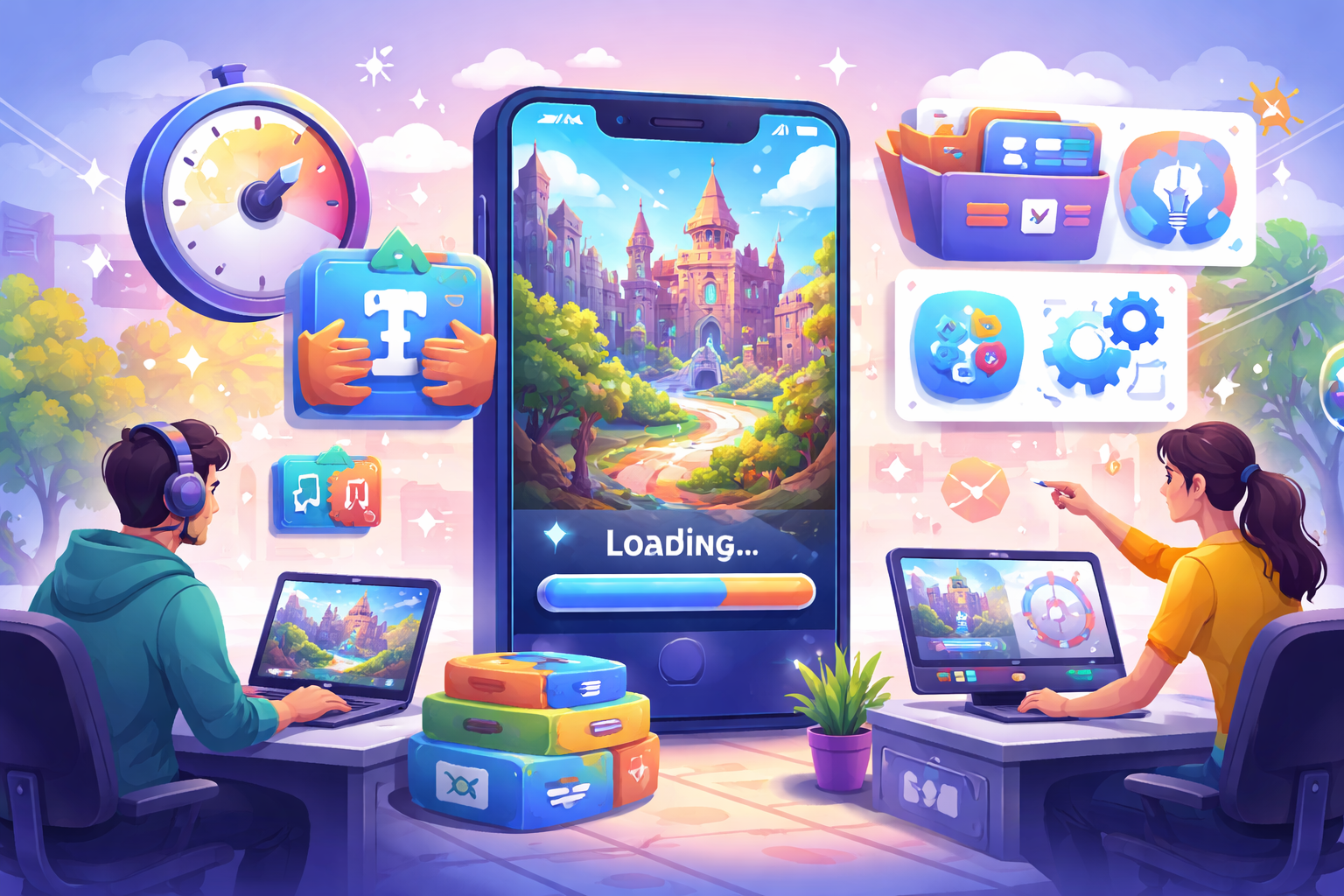
Long loading screens frustrate players and can make them close your game before they even start playing. AI-generated games often take extra time because they create new levels, characters, or effects on the fly. This extra work can cause delays at the beginning or between different areas. The good news is that you can cut load times significantly with straightforward changes that don’t require deep technical knowledge. Many improvements come from organising files better, simplifying what the game creates, and preparing resources in advance. This guide explains clear steps to make your game start faster and move between sections more smoothly. Follow these methods, and most players will notice the difference right away, leading to longer play sessions and better feedback.
Why Fast Loading Matters for Player Enjoyment
Players expect games to open almost instantly, especially on mobile devices where they play during short breaks. Every extra second of waiting feels longer than it actually is. When load times stretch beyond a few seconds, many people lose interest and move to another app.
In AI generated games, new content often appears, which adds pressure on the system. If the game spends too much time creating levels on the spot, players sit through repeated pauses. Fast loading keeps the flow unbroken and makes the game feel responsive and well-made. Good load times also help during testing; you can try more ideas quickly without waiting for each version to start. Over time, reducing delays improves retention because players spend more time playing and less time watching progress bars.
Understanding the Main Causes of Slow Loading
Several common issues cause longer load times in games that use generated content:
- Large image files and detailed textures take time to appear on screen.
- Too many objects created at once overload memory and slow everything down.
- Background processes that run unnecessary checks steal resources.
- AI systems sometimes generate more detail than needed for the first moments of play.
- Poor organisation of files forces the system to search longer for each piece it needs.
Four Practical Ways to Cut Initial Load Time
Apply these four effective methods to make the game start much faster:
- Compress all image and sound files without losing noticeable quality. Smaller files load quicker while still looking and sounding good during play.
- Load only the most important parts first. Show the main menu or a simple starting area while the rest of the game prepares quietly in the background.
- Reduce the amount of detail created at the start. Ask the generation system to build simpler versions of levels and objects for the opening moments, then add more detail once the player begins.
- Organize files into clear folders and limit the total number of separate pieces. A tidy project lets the game find and load resources without extra searching.
Optimising Generated Content Creation
No code game maker creates new parts on demand, which can cause pauses if too much happens at once. Limit the size of each generated section so the system builds smaller chunks rather than entire worlds in one go. Set rules that reuse common pieces instead of creating everything from scratch every time. For example, use the same base textures for similar ground types or reuse simple shapes for background objects. This reuse saves time without making the game feel repetitive. Generate only what the player can see right now. Keep far-away or hidden areas simple until the player approaches them. This approach, called streaming, keeps memory use low and prevents long waits between areas.
Improving Memory Use and Cleanup
Games that manage memory poorly spend extra time moving data around or clearing old information. Make sure the game releases unused objects as soon as a level or section ends. Regular cleanup prevents memory from filling up and slowing future loads.
Set limits on how many generated objects stay active at the same time. If your game creates many characters or items, remove or simplify the ones the player has moved past. Use lighter versions of effects and particles during busy moments. Save the more detailed versions for special events.
Four Key Areas to Check for Faster Performance
Focus on these four important areas to catch the biggest load time problems:
- File Sizes and Formats: Check every image, sound, and model to ensure they use modern efficient formats and appropriate sizes for the target devices.
- Generation Order: Make sure the game creates the most visible and important elements first so players see something happening quickly.
- Background Tasks: Turn off or delay any checks, updates, or extra calculations that do not need to run during the initial load.
- Device Testing: Test load times on both fast and average phones or computers because what works on powerful machines may still feel slow on common devices.
Using Background Loading Techniques
Load the next section while the player is still enjoying the current one. For example, while the player finishes a level, quietly prepare the next generated area in the background. When the player reaches the transition, the new section appears with almost no delay. Show a short engaging animation or tip screen during any remaining short waits. This keeps players entertained instead of staring at a blank progress bar. Plan your level structure so natural breaks exist where background work can happen safely. Well-timed background loading makes the game feel seamless even when new content is being created.
Wrapping Up Your Load Time Improvements
Reducing load time in AI games is achievable through better file management, smarter generation planning, careful memory use, and steady testing on real devices. The methods in this guide help you create a smoother experience that keeps players engaged from the first second. Whether you build your casual games with Astrocade or other simple tools, applying these changes will make your project feel more professional and responsive. Players appreciate games that respect their time and let them jump straight into the fun. Start by checking your current load times and applying the four basic methods today. Measure the difference, then continue refining other areas. With consistent effort, your game can load quickly and reliably, giving every player a better first impression and more time enjoying the experience you worked hard to create.