


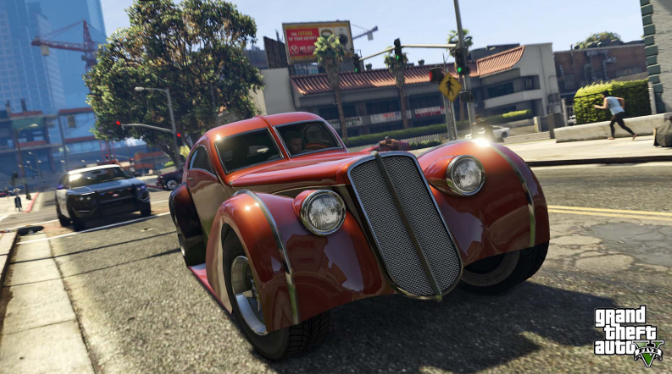
GTA Online added the Mission Creator in December 2024. This new tool lets you make your own missions, heists, and stories. You can add video clips, put bad guys in places, set goals, and let other players try what you made. The Mission Creator is the biggest new thing in GTA Online in years. It lets you make things that feel like real Rockstar missions. This guide will show you how to use the Mission Creator and help you start making your own fun jobs.
Do you want some variety in your GTA playthroughs? Then head over to U7BUY and check out their deals on gta v modded accounts, we can guarantee the best and fastest service!
Why The Mission Creator Is Good
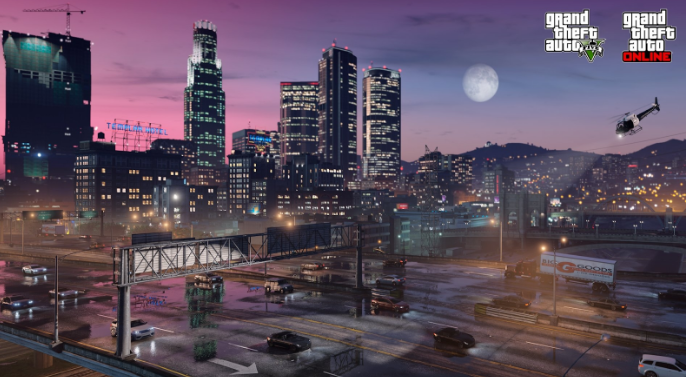
The Mission Creator is not like the old Creator Mode that only let you make races and fights. Now you can make full story missions with many parts, different places, and your own story. You pick everything like where enemies are, how to win, and how the story goes.
This tool lets you do lots of things, such as making stealth missions where you can infiltrate buildings. You can make action heists with many goals. You can make story adventures where players pick different paths. Some players are already copying famous missions from other games or making new stuff.
Rockstar said they will show off the best player made missions. This means millions of players could see what you make.
How To Open The Mission Creator
Getting into the Mission Creator is easy. Do these steps:
- Open the pause menu when you are in GTA Online
- Go to the Online tab
- Pick Rockstar Creator
- Say yes to end your game session
- When Creator Mode starts, pick Create A Mission
You need to say yes to Rockstar’s rules before you can start making things. After that, you are in the Mission Creator with all the tools ready.
Learn The Basics First
Do not try to make missions right away without learning how things work. Rockstar made five example missions that teach you the basics. You should play these first to see what you can do.
To find the teaching missions:
- Be in a GTA Online game
- Open pause menu
- Go to Online, then Jobs
- Pick Play Job
- Pick Rockstar Created
- Pick Mission Creator Content
Play these example missions to see how they work. Then go back into the Mission Creator and pick Load Creation to open these same missions and see how Rockstar made them. This is the fastest way to learn what each tool does and how to use them right.
What You Can Do In The Mission Creator
The Mission Creator gives you many tools to make your missions. Here is what you can change:
Basic Things:
- Mission name and what it is about
- How many players and teams
- Lobby settings
- How hard the mission is
Place Things:
- Pick up to 20 different places per mission
- Go inside buildings
- Put furniture and stuff around
- Add cars anywhere
- Change each place how you want
Game Parts:
- Set your own goals
- Put people as bad guys or helpers
- Make groups of enemies
- Add check points
- Make missions with many steps
- Put goals one after another
Extra Things:
- Add video clips to tell your story
- Make paths where players pick what to do
- Set how to win and lose
- Pick when goals show up
Mission Creator Limits
The Mission Creator has some limits right now. You can only use 20 places per mission. You can only put so many people and things in the mission. These limits help missions work well for all players.
Rockstar said the Mission Creator will get better in the future. This means these limits might go up and new things will be added later. What you can do now is just the start.
Tips For Making Good Missions
Start small when you first use the Mission Creator. Make an easy mission with one or two goals before you try to make a big heist. This helps you learn the tools without getting confused.
Play your mission before you share it. The Creator lets you test everything to make sure it works right. Check that goals work, enemies are in good spots, and the mission is fun to play.
Look at what other players make. You can find player made missions by going to the pause menu, picking Online, then Jobs, then Bookmarked Jobs. Play missions from other people to get ideas and see different ways to use the tools.
Mission Creator Comparison
| Thing | Old Creator Mode | New Mission Creator |
| Mission Types | Races, Fights | Full Story Missions |
| Video Clips | No | Yes |
| Go Inside Buildings | A Little | Many Buildings |
| Your Own Goals | Basic | Lots of Options |
| Put People In | No | Yes |
| Different Places | No | Up to 20 |
What You Should Do
Start by playing the five teaching missions Rockstar made. Then open them in the Creator to see how they work. Make your first easy mission with one place and a few goals. Test it to make sure everything works. Then share it with friends.
The Mission Creator gives you real game making tools. You can make the missions you always wanted to play in GTA Online. You can make serious heists, funny adventures, or hard fighting jobs. Now is a great time to start making things because Rockstar is looking for the best missions to show off in the game.