



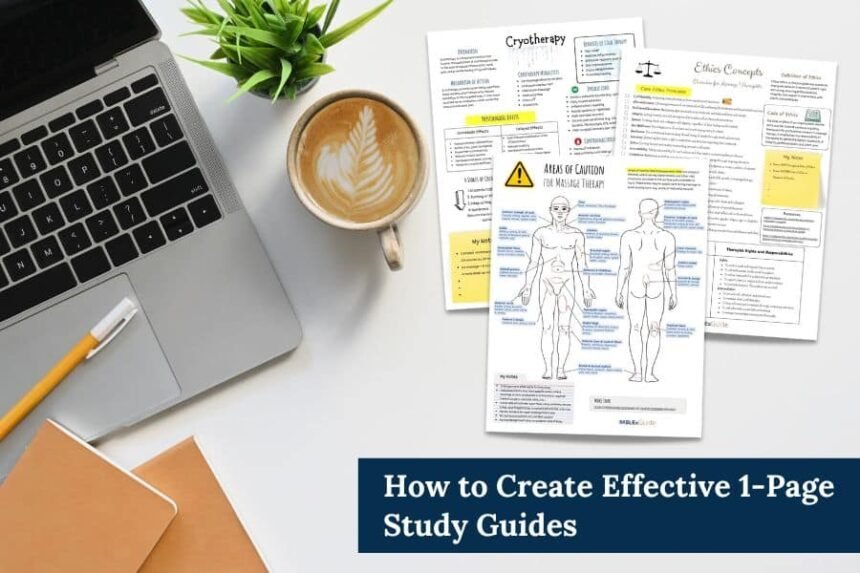
A quiz study guide is a one-page summary built from the questions you missed, not a copy of your notes. Adobe Acrobat’s quiz maker generates a quiz from your files, shows what you missed, and links answers to citations, and it is free to start with no sign-up or credit card required.
Most study guides summarize everything, and research says that is not the best use of study time. A guide built from a quiz does the opposite: it records what you actually got wrong and what you need to retake. This article gives a simple one-page structure, then shows which free tools pair quiz generation with study guides, how a practice test feeds the guide, and how daily limits affect how many guides you can make. Details come from each tool’s own pages and from named studies, and vendor claims are marked as such. Free plans change, so confirm limits on each tool’s own page.
| Guide section | What goes in it | Where it comes from |
| Misses by concept | Each missed question’s concept, the right answer, and why | Your quiz results and the citations |
| Key terms | Definitions in your own words | Your notes and the source passages |
| Worked examples | One example per hard concept | Lecture or reading |
| Retake list | The questions to retake in a day or two | Your saved quiz |
Free Plan, Credit Card, and Quiz Generation: Which Tools Add a Study Guide Too?
Several pair the two. Adobe’s quiz maker page is free to start with no sign-up or credit card, and Student Spaces also lists study guides, flashcards, mind maps, and an AI Assistant. Quizlet’s study guide upload takes .docx, .pdf, and .pptx files and produces outlines, flashcards, and quizzes, though comparison pages describe limited free access to its AI features. Gemini Notebook generates study guides and quizzes, with up to 50 sources on a free notebook. Monic AI’s listings describe summaries, flashcards, and quizzes, limited by one-time tokens on its free plan. Pick the tool whose free limits fit your files, and keep the guide you finish in a plain text copy.
No Credit Card AI Practice Tests: How Do They Feed a Study Guide?
The test shows you what the guide should contain. Take a practice test closed-book, then list each miss with its concept, the correct answer, and one sentence on why. Adobe’s quiz maker page says you can take the quiz, see what you missed, and keep practicing, and it shows a citation next to the correct answer that points to a source passage you can copy into the guide. Dunlosky and colleagues rated practice testing high utility and summarization low utility, so build the guide from misses, not from a rewrite of your notes. Then retake the quiz using the guide’s list.
Best AI Study Tools for Auto Quiz Generation and Study Guides: Which Are Free?
Match the tool to your input and output. Adobe’s page lists PDF, DOCX, XLSX, PPTX, TXT, and more up to 100MB each and lists no quiz cap. Gemini Notebook helps when you have many sources, since a free notebook allows up to 50. Knowt’s free student plan includes practice tests, per one review, and turns notes into flashcards and practice tests. StudyGlen’s guide says a free account gets one quiz or flashcard deck a day with no card. Free means different things in each, so test one unit before you commit, and use the guide structure above whichever tool makes the quiz.
No Credit Card, Free Trials Per Day: How Many Study Guides Can You Make?
One per unit is enough. A guide takes a quiz and some editing time, so daily limits matter less than they seem. One vendor page lists three free AI runs a day and StudyGlen’s guide lists one quiz or deck a day, which is plenty for one new quiz per study session. Monic AI’s one-time 2,500 tokens, per its listings, are a pool you spend, so save them for large uploads. Do not spend generations on duplicate quizzes: edit the one you have, retake it, and update the guide after each attempt. Label each guide by unit and date.
Frequently Asked Questions
How long should a quiz study guide be?
One page per unit is a good target, because a guide you can scan in a few minutes gets used. List misses first, then key terms, then one worked example per hard concept. If a guide runs longer, split the unit into two quizzes so each guide stays short and easy to retake from. Keep it open beside the quiz.
Should AI write the whole study guide?
Use it for a draft, and write the key points yourself. Dunlosky and colleagues rated summarization low utility, so copying an AI summary is a weak way to study, while writing why you missed each question is active work. Check every AI-written line against your notes before you keep it.
When should I use the guide?
Before you retake the quiz, and again a few days later. Yang and colleagues found a larger testing effect with corrective feedback than without it, and the guide is your corrective feedback in one place. Reread the misses, retake the quiz, and update the guide with anything that is still wrong. Date each update.